A SaaS launch video brief should tell a studio who needs to act, which product workflow must be shown, which screens are ready, and where each edit will run. Include the launch date and who can approve product details. That gives the studio enough to say what it can produce, what it’s assuming, and what would change the quote.
Give each video a job
On the launch page, a short film can show why the release matters and give someone a reason to book a demo. In a sales conversation, the video needs to take a buyer through the workflow they’ll be evaluating. A short social edit usually has room for one benefit and one action.
One production can supply all three. Decide upfront which shots they can share. An interface shot with three panels might work on a widescreen launch page. On a phone, it may need a close-up of one action, larger text, and a new opening to make sense on its own.
A sample brief a studio can quote
This example is for a fictional B2B software launch. Use it as a starting point for your own brief.
- Buyer and action. Operations leads who lose time chasing approvals. On the launch page, ask them to book a demo. For sales, show enough of the workflow to support a conversation about how they currently handle approvals.
- What the product must show. A team member sends a request, a manager approves it, and the result appears in the activity log. Use a single example request with dummy data. Save reporting and integrations for a follow-up demo.
- What’s ready to show. The request and approval screens are ready to record in a demo account. The activity log is still moving. Supply approved design frames for a placeholder in the storyboard, and agree on a date for the real capture. Product signs off on the final UI before delivery.
- Launch film. A roughly 60-second widescreen film for the website. Open on the problem of waiting for an approval, then show the request moving and the outcome. Deliver an English caption file.
- Sales demo. A roughly 90-second widescreen walk-through using the same account and approved screens. Add a slower pass through the activity log so sales can pause and explain it. Deliver an English caption file.
- Short edits. Two 15-second social edits. The square LinkedIn edit can reuse the film’s visual setup. The vertical edit opens on a tight shot of the approval action. Plan to compose that shot and its text for a phone from the start. Both should make sense with sound off.
- Review and dates. Marketing consolidates notes. Product signs off on screens and feature claims. Brand reviews the visual treatment at storyboard stage. Put actual dates against UI lock, storyboard approval, rough cut, final delivery and launch. Give the studio the brand kit, design files and access to the demo account.
Ask the studio what could change the quote
Ask which capture sessions, aspect ratios, captions, scripts and review rounds are included. Agree on what “reuse” means for each short edit. A crop can reuse a shot. A fresh interface capture or a different storyline needs its own work. Clarify who owns the final files and whether source files, localization or paid-media usage have separate terms.
Flag the work that depends on an unfinished feature. For the sample brief, the activity log can be a placeholder in the storyboard while the team works on the rest of the film. The brief should say what happens if that screen slips. You might agree to deliver the sales demo later, or cut the activity log from the first release if the launch message still holds without it.
Two examples from our work
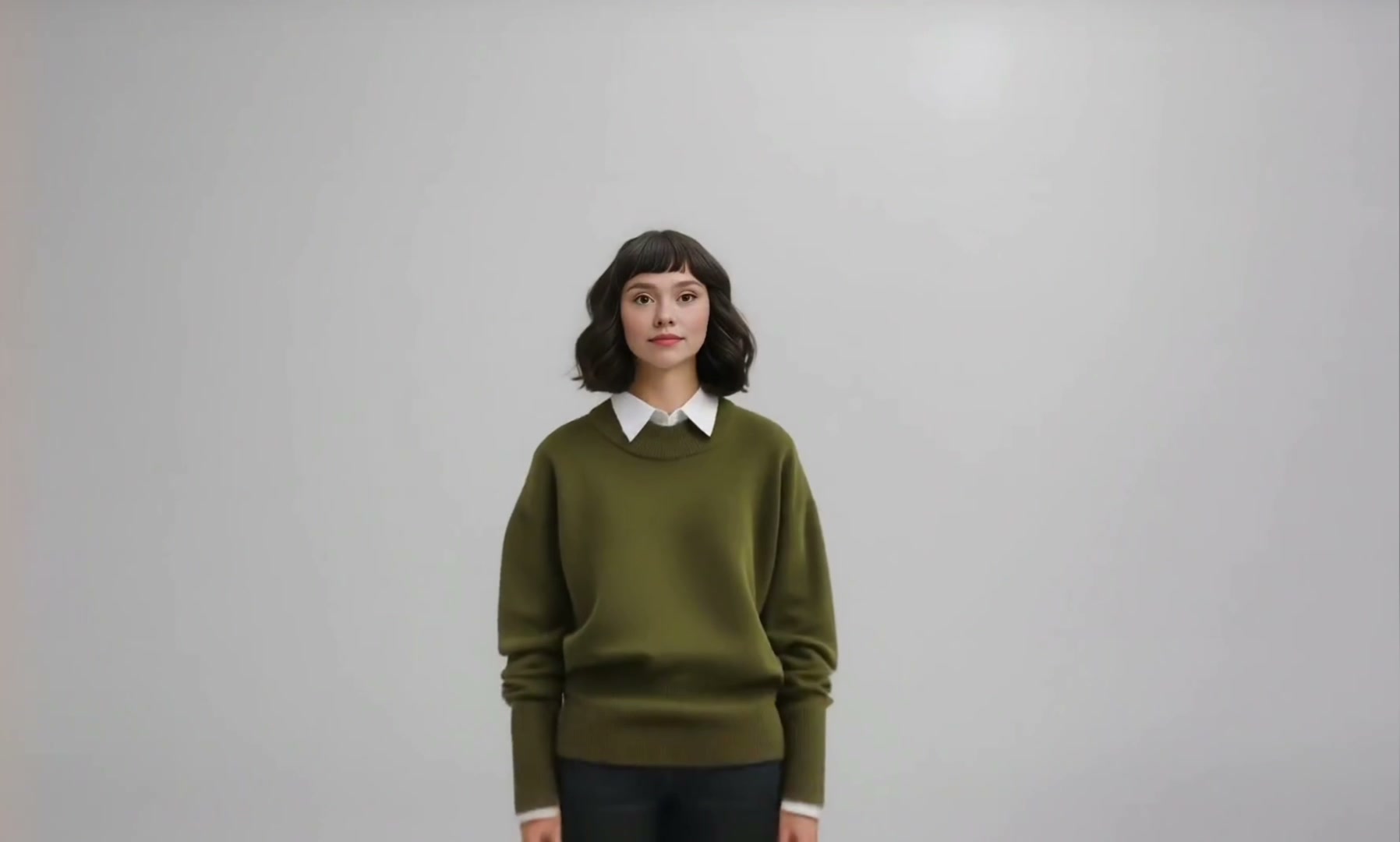
Finance App Product Launch. We created this film with AI-generated actors and a minimal studio set designed for the launch. Phone close-ups show the app in use. A separate tablet scene shows a reminder arriving during the workday. The simple sets keep each screen easy to follow. For your launch brief, decide which product actions deserve their own close-up.
GetBusy platform tour. The interface carries the explanation here. You can see how the product works on screen. For a sales demo, choose one sequence the viewer can follow from the first action to the result, and give it time in the edit.
Still deciding what to make? Compare explainers, product demos and brand films. For examples of the production approaches, see our AI video production and motion graphics and explainer video production work.
Send us your launch video brief with your date, product link, the workflow you need to show and a rough list of edits. Note which screens are still changing so we can discuss which parts of production can start first.